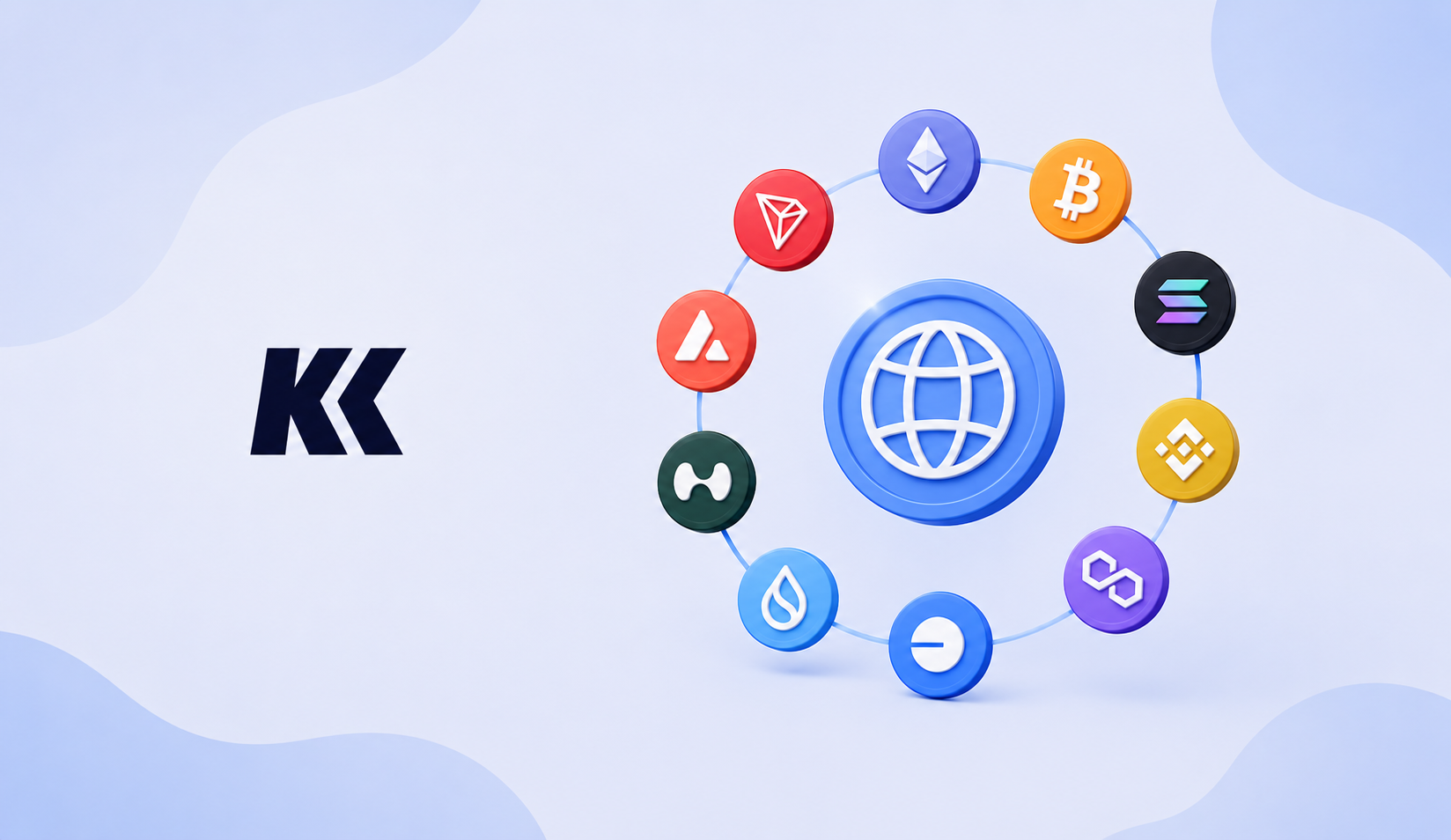
Which Networks Does KriptoK List?
At the time of this update, KriptoK lists 12 networks: Arbitrum, Avalanche, Base, Bitcoin, BNB Chain, Ethereum, HyperEVM, Polygon PoS, Robinhood Chain, Solana, Sui and TRON.
The list can change, and not every token or feature is available on every network. Always check the current app before sending funds.
Quick Guide to the Networks
- Ethereum: A major smart-contract network used by many DeFi applications.
- Bitcoin: The original Bitcoin network, mainly used for BTC transfers and storage.
- Solana: A fast network with low typical fees and its own app ecosystem.
- BNB Chain: An Ethereum-compatible network with its own fees and applications.
- Polygon PoS: An Ethereum-compatible network that operates separately from Ethereum. It is not an Ethereum rollup.
- Arbitrum: An Ethereum Layer 2 network designed to reduce costs.
- Base: An Ethereum Layer 2 network built with the OP Stack.
- Sui: A separate Layer 1 network with its own address and app model.
- HyperEVM: An Ethereum-compatible environment connected to Hyperliquid.
- Avalanche: A network whose C-Chain supports Ethereum-style applications.
- TRON: A network widely used for TRC-20 tokens, including some USDT transfers.
Can the Same Address Be Used?
Ethereum-compatible networks can show the same address because they may use the same private key. However, the balances are still separate. USDC on Ethereum is not automatically the same balance as USDC on Base or Arbitrum.
Bitcoin, Solana, Sui and TRON use different address formats. Always copy the address from the correct network screen.
What Does Network Support Mean?
It means KriptoK can display addresses and supported assets on that network. It does not guarantee that every token, swap pair or bridge route is available.
Before Sending Funds
- Select the exact network in KriptoK.
- Make sure the sending platform uses the same network.
- Check the first and last characters of the address.
- Verify any memo, tag or token contract when required.
- Consider a small test transfer.
Official Network Documentation
Explore this topic