
en
A step-by-step guide to reviewing and swapping supported RWA tokens in KriptoK, including contract, network, eligibility, liquidity and issuer checks.
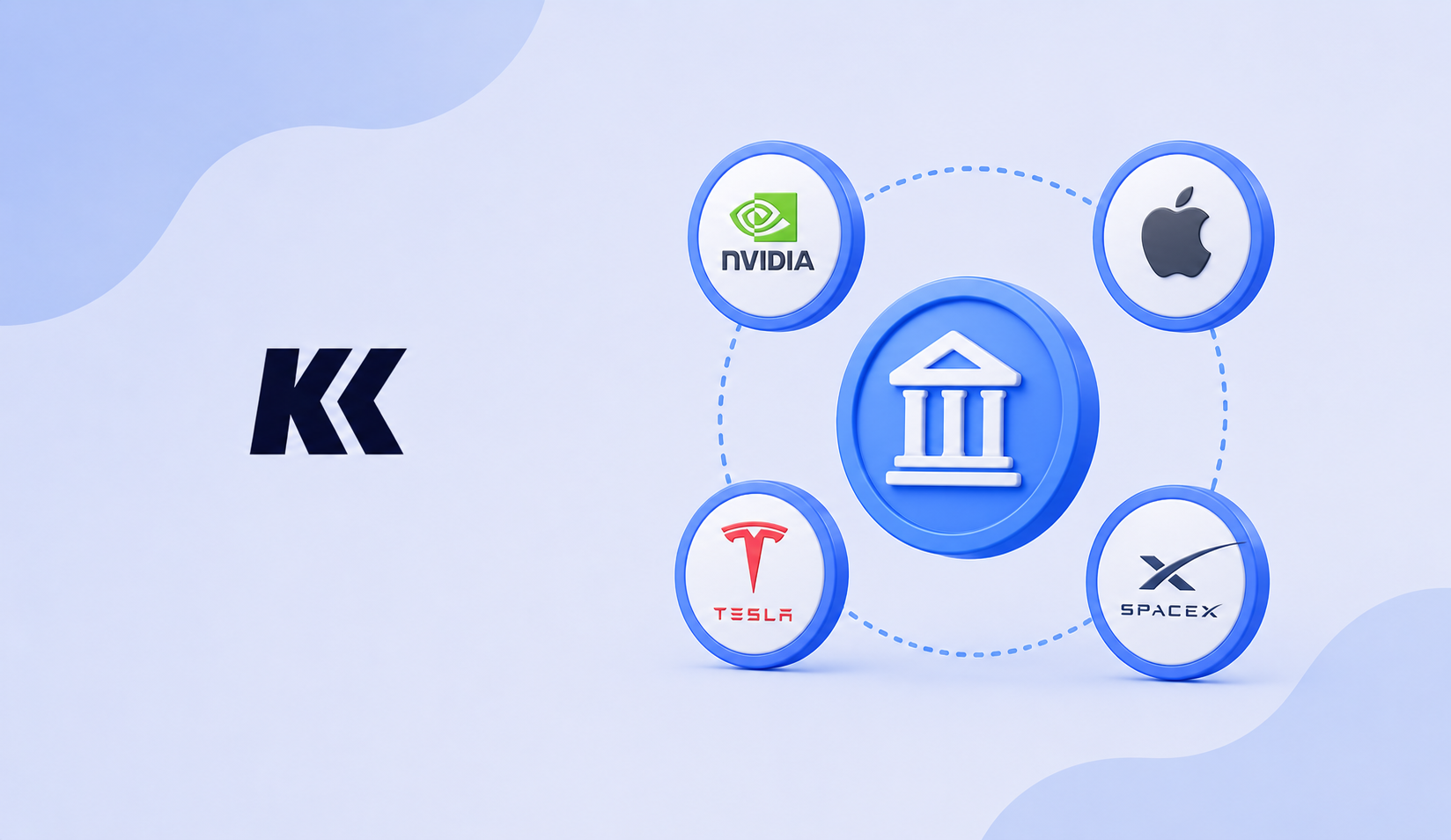
An RWA token can represent direct ownership, a beneficial interest, a debt instrument, a fund interest or economic exposure to another asset. The label RWA does not describe one standard legal structure. Before swapping, identify the issuer and read the product terms so you know what rights, collateral and redemption process apply.
Asset and network availability in KriptoK can change. Use the current app interface instead of relying on an old list of tickers.
Open KriptoK and select Browse. Choose the specific tokenized stock, ETF or commodity product you want to examine.
Open the asset details. Confirm the issuer and make sure the contract and network match current issuer documentation. Similar symbols can refer to products with different legal structures.
Select the asset you will pay with and the RWA token you want to receive. A route may use a decentralized exchange, market maker, bridge or another liquidity provider.
Check the estimated output, minimum received, price impact, network fee and route. The token price can differ from the referenced asset because of spreads, liquidity, market hours and issuer mechanics.
Verify the token, network and amount again. Consider a small first swap. After submission, use the transaction hash to check the status. Confirmation time depends on the network and route, so it is not guaranteed to be immediate.
The token should appear in the asset list after the relevant transaction is confirmed and the token is recognized by the app. Controlling the token in a self-custody wallet does not guarantee that the issuer will redeem it directly. Issuer redemption can require KYC, minimum amounts and regional eligibility.
This guide explains the app flow and is not investment, legal or tax advice.
What Is Tokenized Gold and Silver?