
en
Learn how to swap in KriptoK and understand quotes, slippage, price impact, approvals, fees and cross-chain routes.
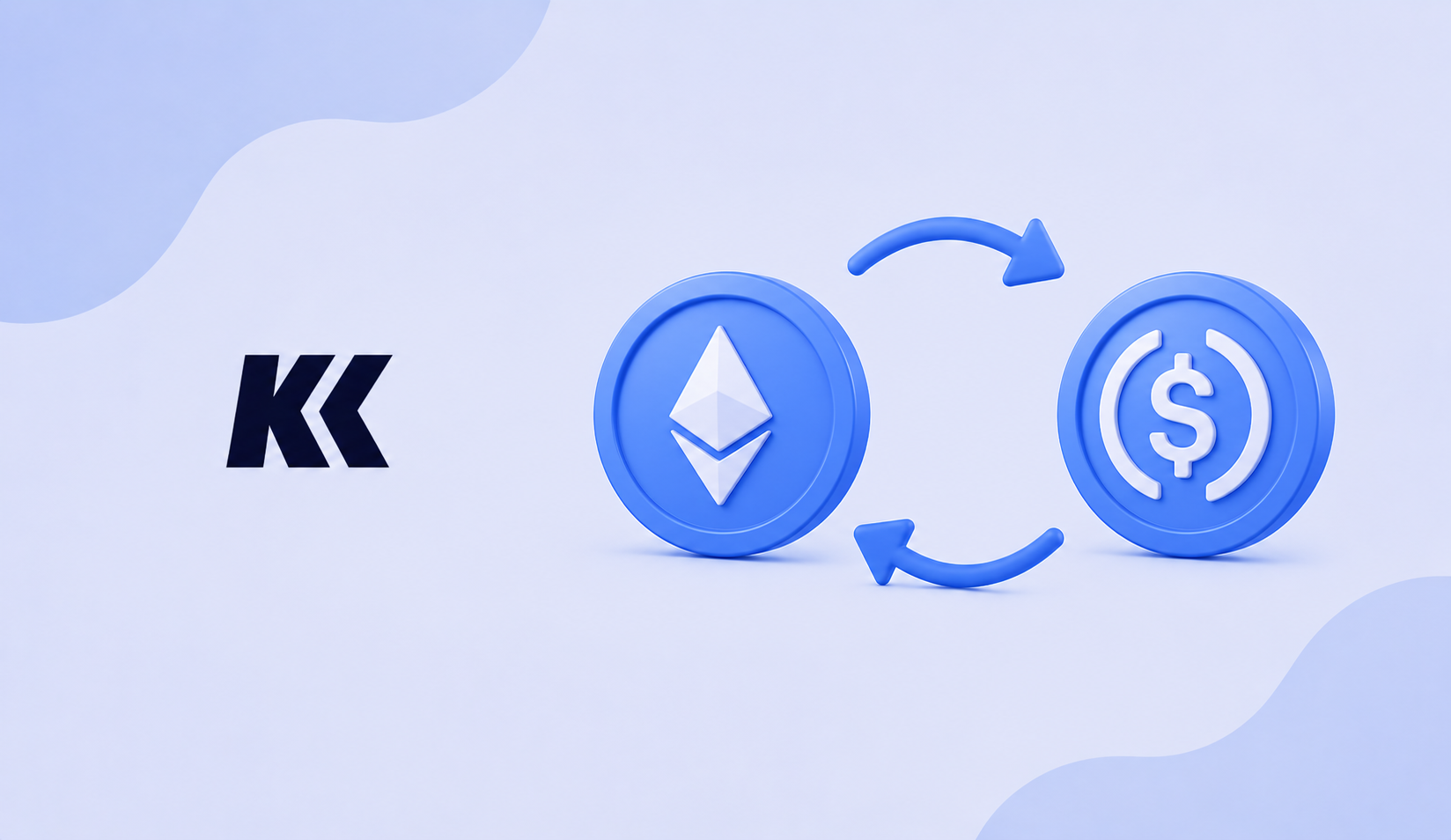
A swap exchanges one crypto asset for another. For example, you can exchange ETH for USDC. If the assets are on different networks, the route may also use a bridge.
The process can use a decentralized exchange, market maker or several smart contracts. KriptoK brings the available route and quote into one screen.
Some tokens require an approval transaction before the swap. Read both requests before confirming them.
Slippage is the difference between the expected result and the final execution caused by market movement. Increasing slippage can help a volatile trade execute, but it can also produce a worse price. Do not increase it automatically.
The total can include network fees, liquidity-provider costs, bridge costs and the difference between buy and sell prices. Review the final quote shown before signing.
There is no fixed time. It depends on the network, available liquidity and whether the swap crosses chains. Track the transaction hash until all relevant steps are complete.